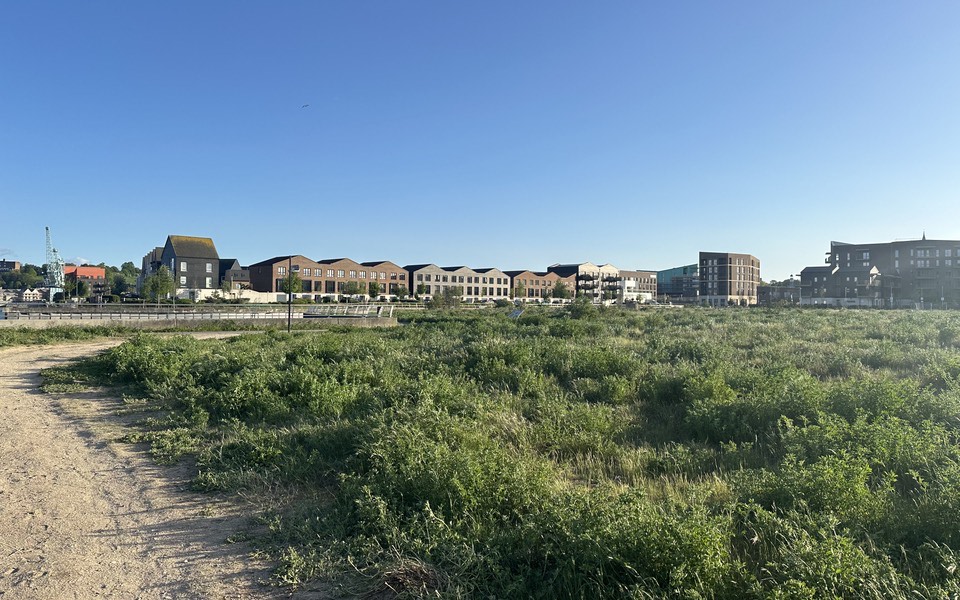
The council voted 7 to 2 on Tuesday to turn the old rail yard into eleven acres of trails, gardens, and a public pier. Work begins in the spring.
Bastion Browser
Your browser, standing guard.
Bastion Browser turns away trackers and scam sites, keeps your lookups private, and runs every page in its own sandbox. It's on guard from the first launch.
Fewer eyes on what you do.
Bastion keeps your lookups private and makes your computer harder to pick out of a crowd.
Your lookups stay private.
Before a page opens, your computer looks up where the site lives. Normally your internet provider sees every lookup. Bastion sends them over a private connection instead.
- On from the start with Quad9, which also refuses to look up known scam and malware sites.
- If Quad9 can't be reached, Bastion falls back to Cloudflare.
- If both providers are down, Bastion asks before falling back to your network's DNS, then switches back automatically once one recovers.
Harder to recognize.
Even without cookies, a site can try to recognize you by measuring your computer, like its graphics card and window size. Bastion adds tiny, harmless changes to those measurements, different for each site, so ordinary trackers can't match your visits.
- Bastion introduces itself to sites the way Google Chrome does, so it blends in with the crowd.
- Hide My Window Size rounds the page to standard sizes, so many people's windows look alike. It's off at first.
- If a site doesn't work right with the changes, you can turn them off for that site.
Trouble stays outside.
Known bad sites never load, what Bastion saves is locked away, and the app itself resists tampering.
Bad sites never load.
The blocker stops Bastion from contacting sites known for ads, tracking, scams, or harmful software. It works from lists kept by groups who watch for these sites.
- Ads and tracking: OISD Big, updated every week.
- Scams and malware: HaGeZi Threat Intelligence and HaGeZi Fake, updated every 3 hours.
- A blocked page names the list that caught it, and the footer counts what was stopped on each tab.
Bastion blocked secure-login.example.net
This site is known for scams or malware. It may try to steal passwords or install harmful software.
Locked when you're away.
Everything Bastion saves, from your history to the cookies sites leave, lives in an encrypted vault on your Mac, locked with Bastion's own Keychain key.
- When you delete history, downloads, or bookmarks, Bastion moves what you keep into a fresh vault after it quits and destroys the old key.
- The vault is an AES-256 encrypted disk image, and Bastion never runs with your data unlocked.
- You delete your history
- Bastion quits
- What you keep moves to a fresh vault
- The old key is destroyed
Built to resist tampering.
Every web page runs in its own sandbox, kept apart from Bastion's own code and your files. Bastion's safety switches are set when it's built, so no other program can flip them.
- It won't run outside scripts, accept a debugger, or load extra code from settings on your computer.
- The installed app refuses start-up switches that change how it runs, and it checks at every start that its code still matches the build.
- It's signed and notarized by Apple, and runs with Apple's hardened runtime. It's always built on the newest Electron, so Chromium's security fixes arrive quickly.
Arranged your way.
Move every bar, pick your look and your search engine, and change what each key does.
Every bar can move.
Put your tabs across the top, in their own row, down either side, or in the footer. Move the address bar to the bottom, and Back, Forward, Reload, and your extensions follow it.
- Hide Bars While Reading gives the page the whole window. Move the mouse to the top to bring them back.
- The Bookmarks bar keeps your saved sites one click away, under the top bars or just above the footer.
- The footer holds link previews, downloads, screenshots, the blocked count, zoom, and the time.
Choices in plain words.
Every setting says what it does in everyday language, and the search box in Settings finds any of them.
- Theme: follow your computer, or always light or dark.
- Search with DuckDuckGo, Google, Brave Search, or Startpage. Suggestions are off at first, so what you type stays on your computer until you press Return.
- Keep history for 30 days, 90 days, a year, or forever, or clear it each time you quit. Change any keyboard shortcut.